The bird breeding app that lives in the bird room
Log eggs, candling results and chick weights from your phone while you are at the cage — not from memory at the end of the day. BirdTracks works in your phone’s browser and installs to the home screen; there is no App Store download.
iPhone · Android · tablet · computer — one account, same records on all of them.
Six things you do standing at the cage
Paper cage cards and a spreadsheet at home mean writing everything twice. These are the moments the phone version is built around.
A hen has laid
Open the pair, tap “+ Add Egg”. It is dated today, and the clutch’s expected hatch date is counted off the lay date — no calendar maths in your head.
Candling day
Mark each egg fertile, clear, hatched, broken or dead in shell from a dropdown. Fertility and hatch rates per pair add themselves up.
Standing at cage 14
Point the phone camera at the cage’s printed QR label and you land on that cage — who is in it and what they are sitting on.
Hand-feeding a chick
Log the morning weight and see it on a chart, so a chick that stops gaining stands out before it looks unwell.
A buyer asks for papers
Open the bird: band number, parents, grandparents and COI are already there, with a printable pedigree certificate.
Three days before hatch
You get a hatch-reminder email for every incubating clutch due in the next three days, so the brooder is warm before the first pip.
What a pair looks like on the phone
This is the real pair card from the app, not a mock-up: the cock and hen with their band numbers, the cage, and the clutch that is due.
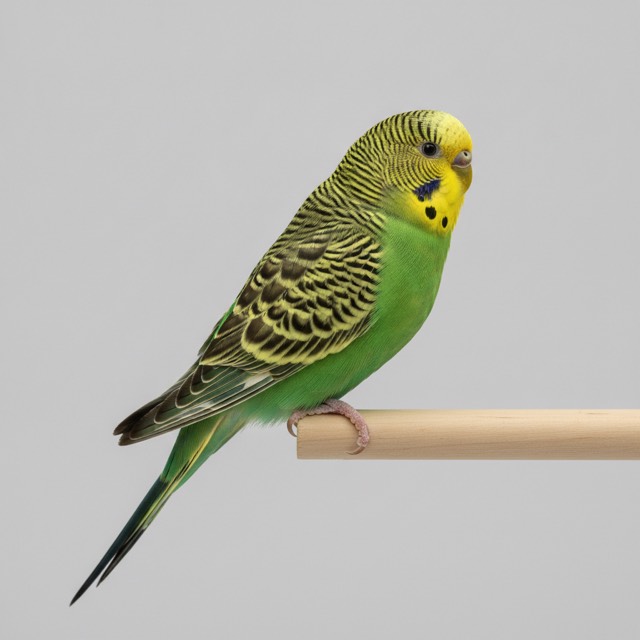
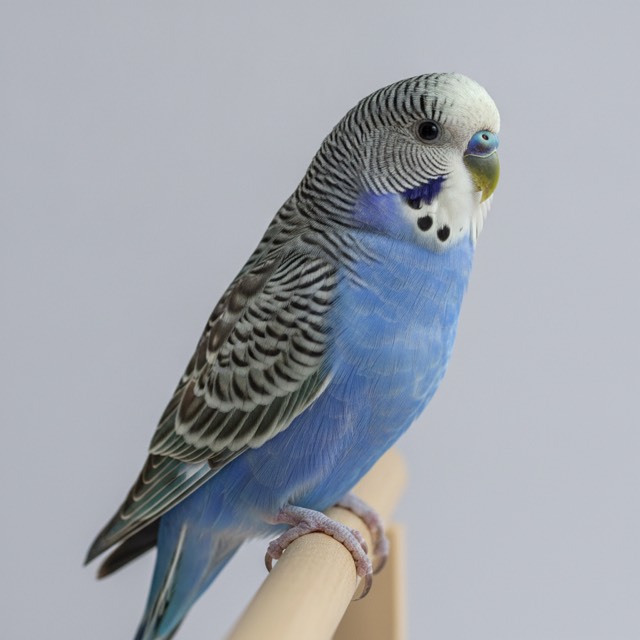
The status line is worked out from the clutch itself — eggs laid, how many were fertile, and the hatch date counted off the lay date. Nothing here is typed in twice.
Installing it takes about 20 seconds
BirdTracks is a progressive web app. Adding it to the home screen gives it its own icon and opens it full-screen, without the browser bar.
iPhone and iPad
- Open birdtracks.io in Safari and sign in.
- Tap the Share button.
- Choose Add to Home Screen, then Add.
Android
- Open birdtracks.io in Chrome and sign in.
- Tap Install when it is offered, or open the ⋮ menu.
- Choose Install app or Add to Home screen.
Straight answer on what it is not: there is no native App Store or Google Play app, it needs a signal to save, and reminders come by email rather than as phone notifications. If you need a fully offline app, compare the options on our bird breeding software comparison.
What it costs
Every feature is open for the first 30 days. After that, pick the plan that fits the size of your flock — the phone, tablet and computer are all included in every plan.
| Plan | Monthly | Yearly | Birds | Includes |
|---|---|---|---|---|
| Hobby | $12.99 | $99 | ≤ 50 birds | Birds, cages, pairs, clutches, QR codes, import, statistics |
| Breeder | $24.99 | $249 | ≤ 200 birds | Adds pedigree charts & COI, bird labels, contacts, cage history, export |
| Professional | $49.99 | $499 | Unlimited birds | Everything in Breeder, unlimited birds, priority support |
Prices in USD. Full details on the pricing section.
Budgie breeding app
Cabinet breeders run many pairs at once. The QR label on each cabinet takes you straight to the right pair, and a budgie guide covers the season itself.
Canary breeding app
Closed rings change by year, so the ring number is the bird’s identity. Search by ring at the cage and see parents and COI before you pair. See the canary guide.
Lovebird & ringneck breeders
Mutation lines get related fast. The pedigree and COI tools flag a related pair before the eggs are laid.
Questions breeders ask
- Is BirdTracks in the App Store or Google Play?
- No. BirdTracks is a web app (a PWA). You open birdtracks.io in Safari or Chrome and add it to your home screen; it then opens full-screen with its own icon like any other app. There is no separate store download, and none is needed.
- Does it work on both iPhone and Android?
- Yes — and on iPad, Android tablets, Mac and Windows computers. It is one account, so an egg logged on the phone in the bird room is on the computer in the house straight away.
- Does it work without an internet connection?
- No. BirdTracks needs a mobile or Wi-Fi signal to save. If your bird room is a dead spot, most breeders log at the door or as they walk back to the house.
- Can I bring my existing spreadsheet?
- Yes. The import screen takes .xlsx and .xls files and gives you a template to paste your columns into, so a flock kept in Excel or Google Sheets does not have to be retyped.
- What does it cost after the trial?
- The 30-day trial includes every feature. After that, Hobby is $12.99/month, Breeder (adds pedigrees, COI, labels and export) is $24.99/month and Professional is $49.99/month, with yearly options that cost less.
Try it at the cage this week
30 days with every feature. Add it to your home screen tonight and log tomorrow’s eggs from the bird room.
Start free